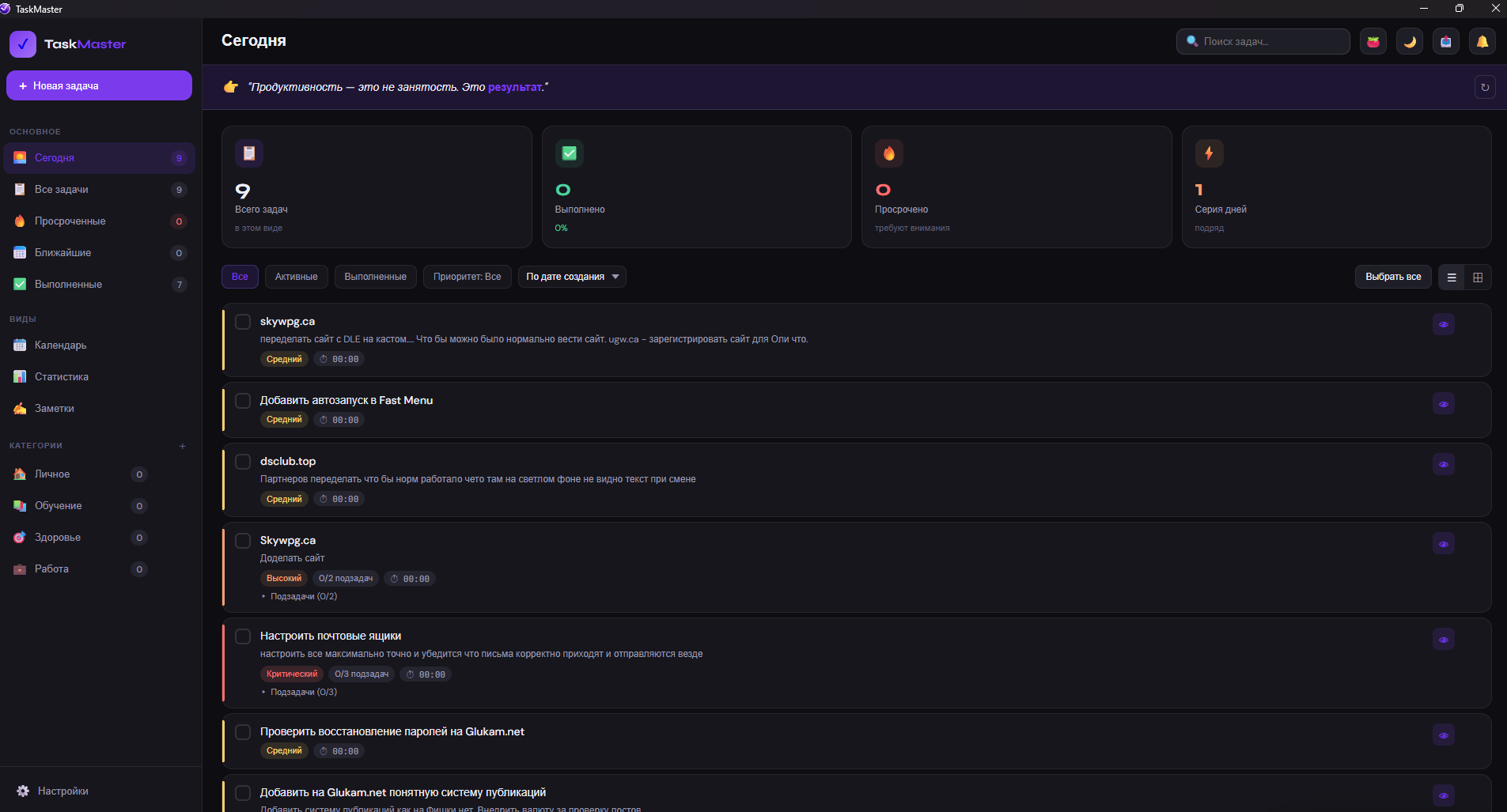
📋 Smart Task Management
One‑tap filters: "Today", "All", "Overdue", "Upcoming", "Completed" – you always see what needs attention.
Priorities: High, Medium – never miss what matters most.
Subtasks: Break large projects into small steps and track progress (e.g., 2/5 done).
Categories: Personal, Learning, Health, Work – plus the ability to create your own. Everything is always at hand.
📝 Powerful Notes
Free‑form text – jot down ideas, drafts, instructions, or copy snippets from emails and chats.
Link embedding – save YouTube, TikTok, GitHub, or any website directly within the context of a task.
Task linking – attach notes to projects so all related information stays in one place.
Search – quickly find what you need by keywords.
📅 Calendar & Statistics
Visualise your tasks day by day.
Track productivity: see how many tasks you've completed over a week or month – and watch your growth.
🎨 Flexible Customisation
Light / dark theme.
Add external projects (e.g., integrate with your own services).
Adjust the display to suit your preferences.